Expenses
Every Dollar Accounted For. Zero Receipts Chased.
Snap a receipt, forward an invoice, or connect your bank. AI categorizes everything and learns from every correction.
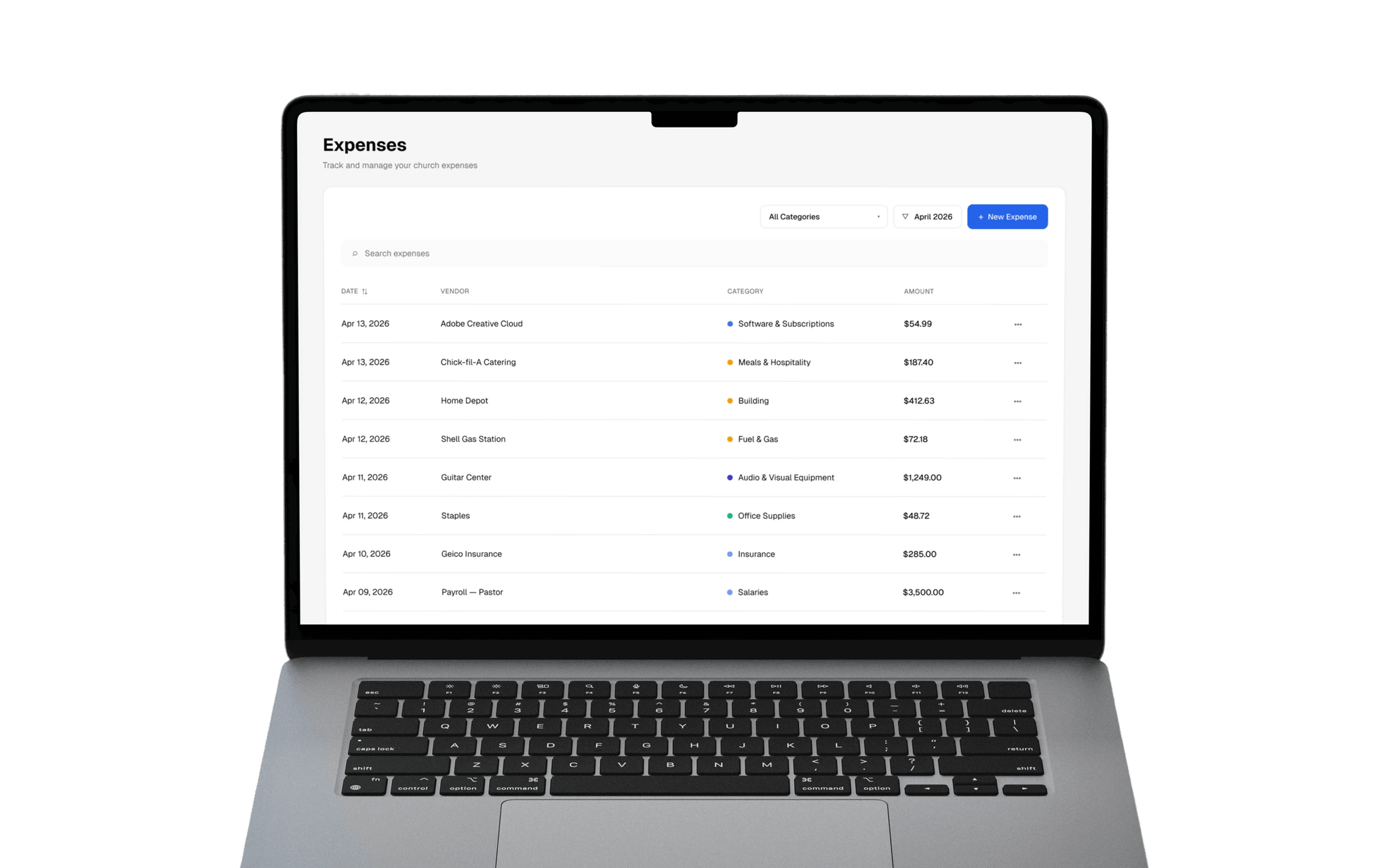
No more lost receipts. No more end-of-month scrambles. Altarflow gives you three ways to capture expenses — OCR scanning, email forwarding, and automatic bank sync. AI agents categorize each transaction and create the records. You review, adjust, approve. The AI remembers your preferences and gets faster every week.
Snap It. Scanned. Filed.
Take a photo of any receipt — printed or digital. Altarflow reads the vendor, amount, date, and category with OCR and creates the expense record. No typing. No filing. Just snap and move on.

Categorized Today. Automatic Tomorrow.
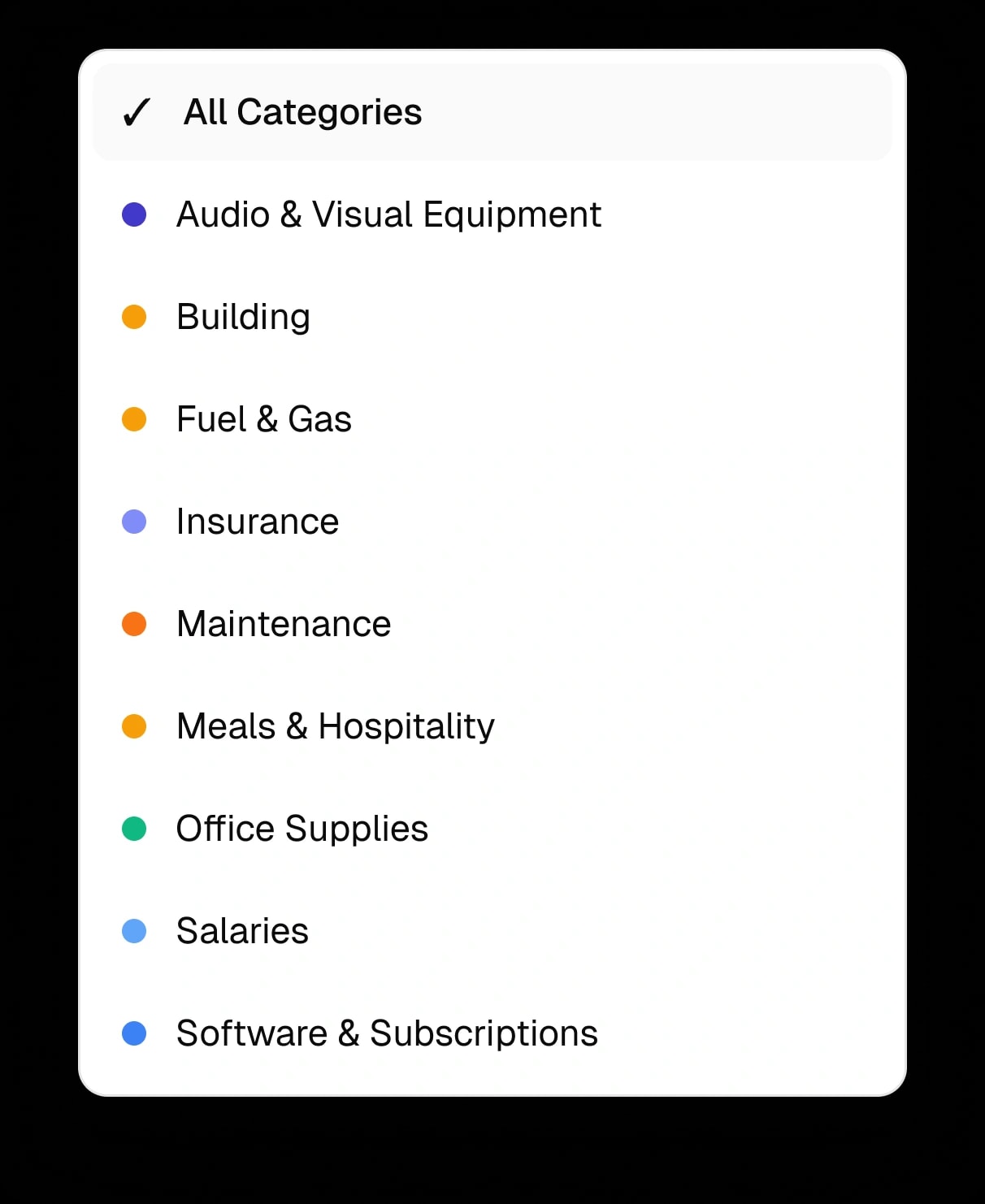
AI agents categorize every expense from your bank feed. Adjust a category once and the agent learns your preference. Similar transactions get categorized the same way — automatically, every time.
Forward the Invoice. Done.
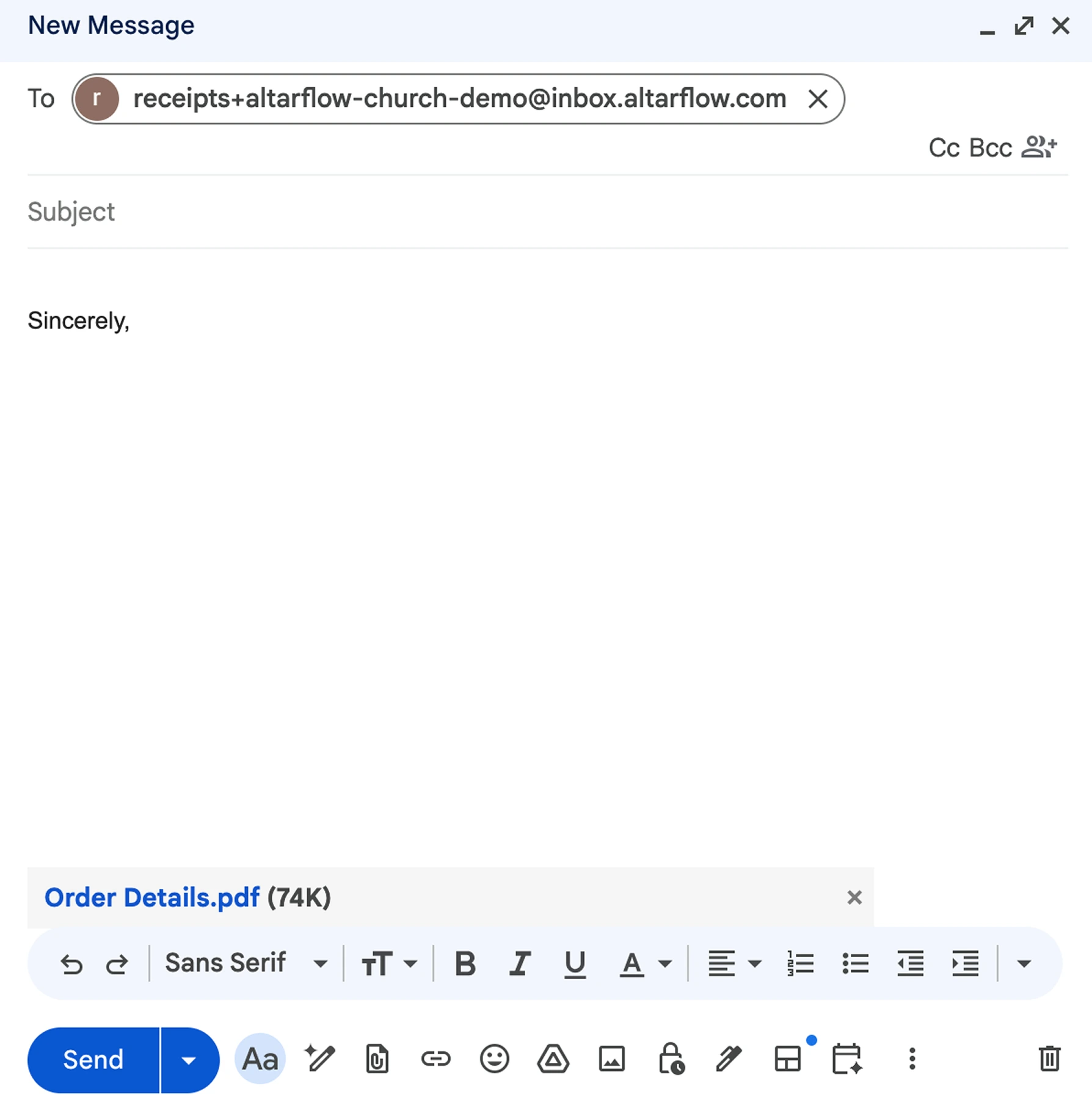
Every organization gets a unique Altarflow email address. Forward any invoice or receipt to it, and the system reads it, categorizes it, and creates the record. Digital receipts never pile up again.
Every Dollar, Tagged to a Fund.
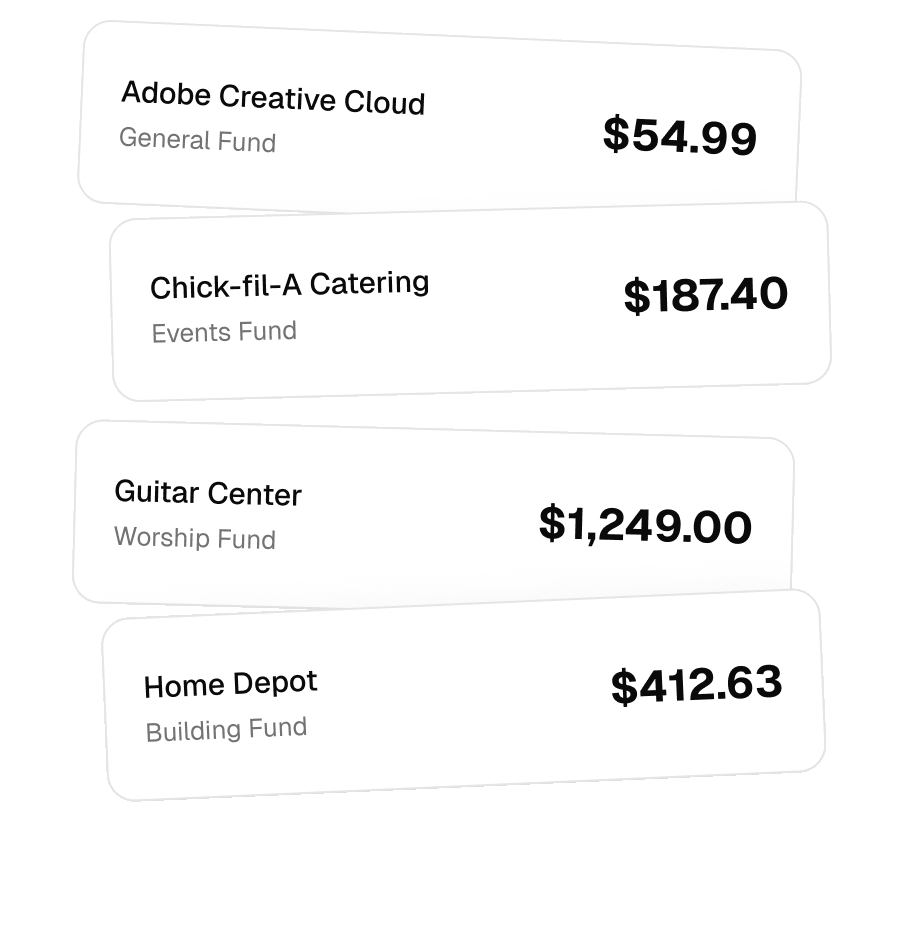
Assign expenses to the fund, program, or campaign that paid for them. Real-time fund balances replace the shoebox of receipts. When someone asks where the Building Fund stands, you answer in one glance instead of one spreadsheet.
From shoeboxes to clarity in one afternoon.
Connect your bank, forward your first receipt, and let the AI take it from there.
Related features
COMMON QUESTIONS