Accounts
Church bank accounts and petty cash: Know where the money stands.
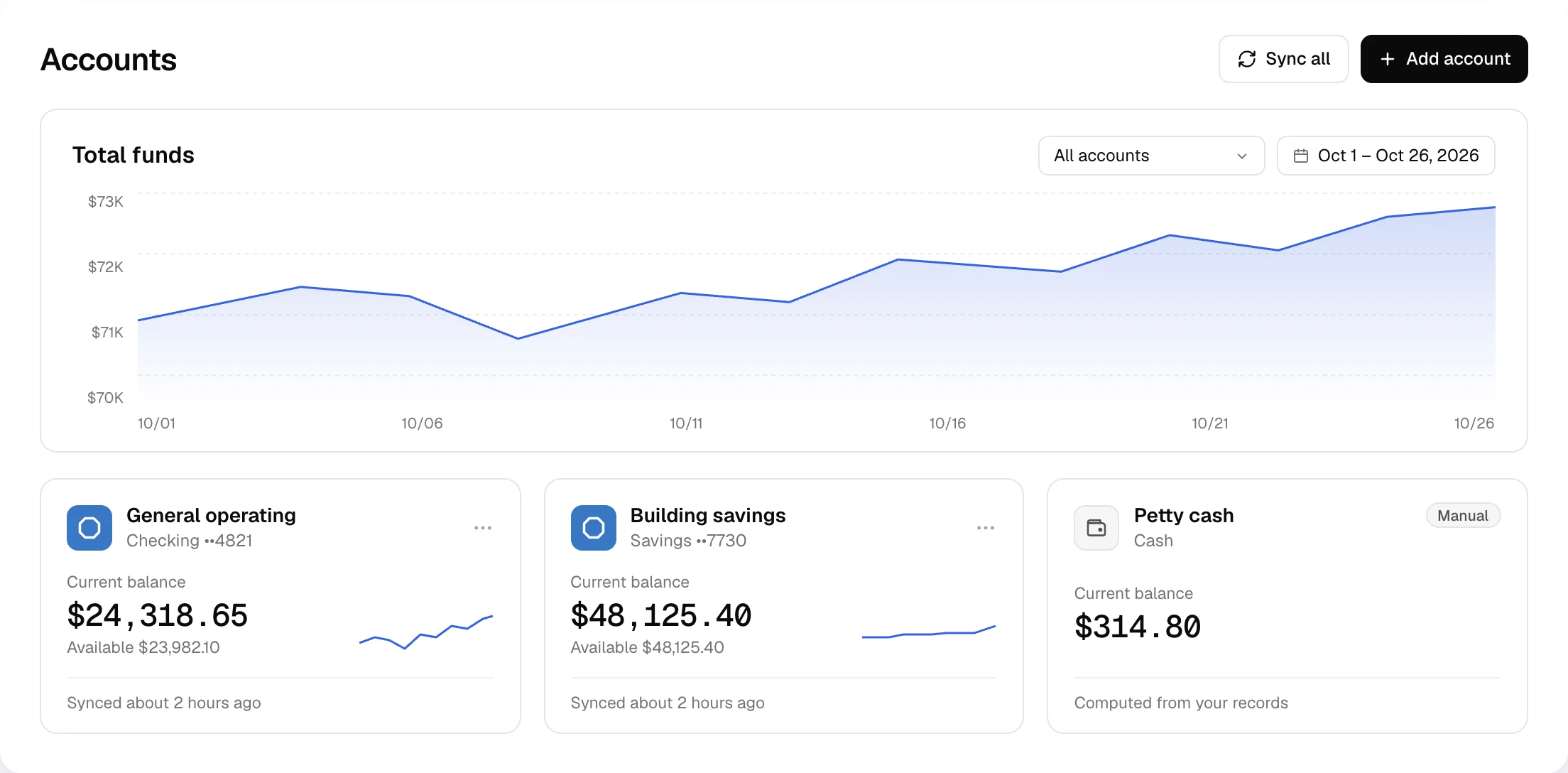
Every bank account and cash box on one page, with current and available balances. Banks sync on their own.
Before and after
What Accounts takes off your plate.
| The old way | With Altarflow |
|---|---|
| 01The old way: Logging into each bank to add up what you have | With Altarflow: Every account balance on one page |
| 02The old way: A cash box tracked on a sticky note | With Altarflow: Petty cash with a balance computed from your records |
| 03The old way: Checking the bank app before you pay rent | With Altarflow: Current and available balances from the last bank sync |
| 04The old way: Guessing whether this month ends higher than last | With Altarflow: Total funds charted day by day from the day you connect |
Manual accounts
Cash counts too.
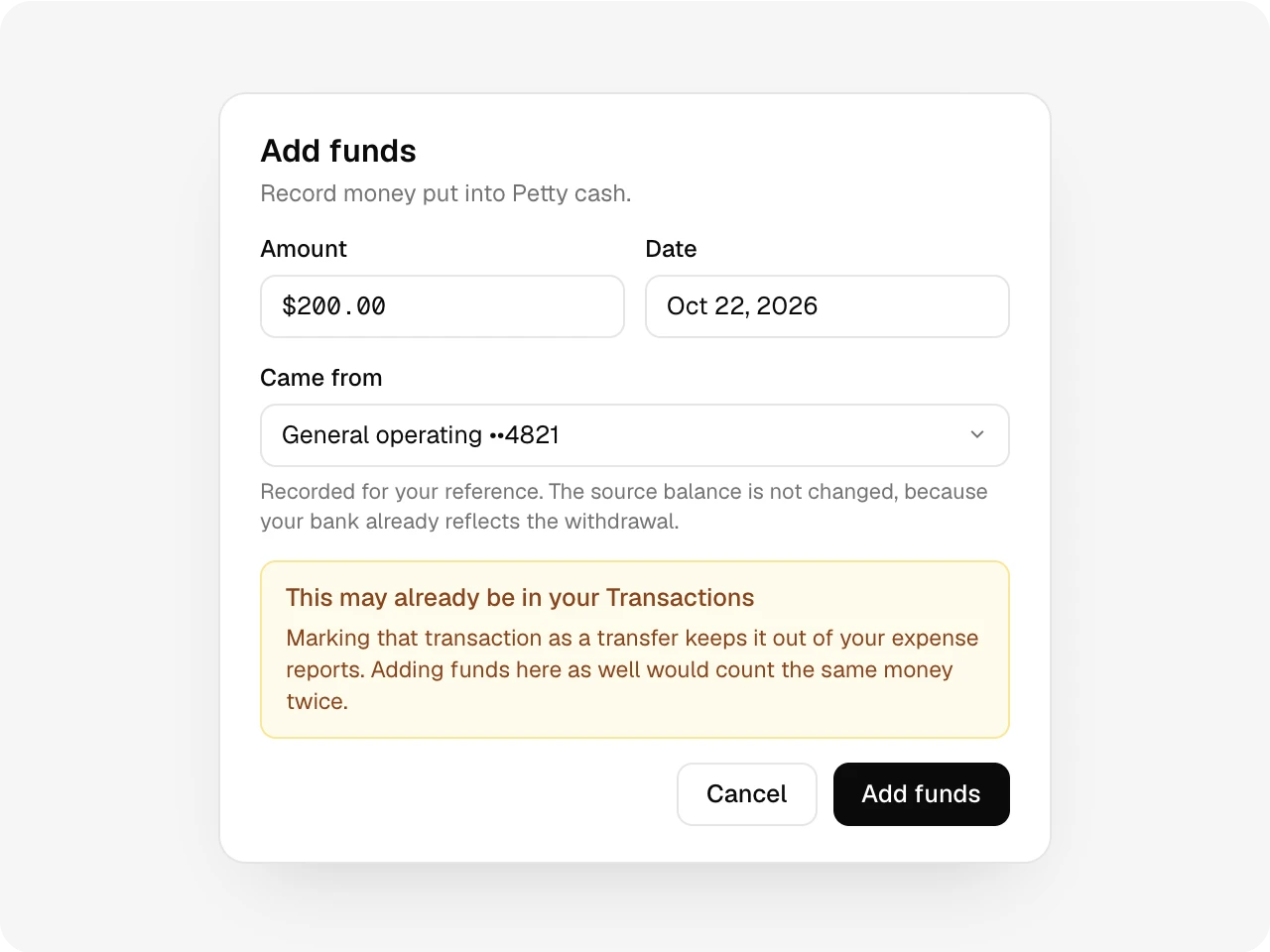
Add a cash box or a bank you haven’t connected. Its balance comes from the gifts, expenses and transfers you assign to it. Top it up and Altarflow checks your bank lines first, so the same money isn’t counted twice.
One account
Every account, its own history.
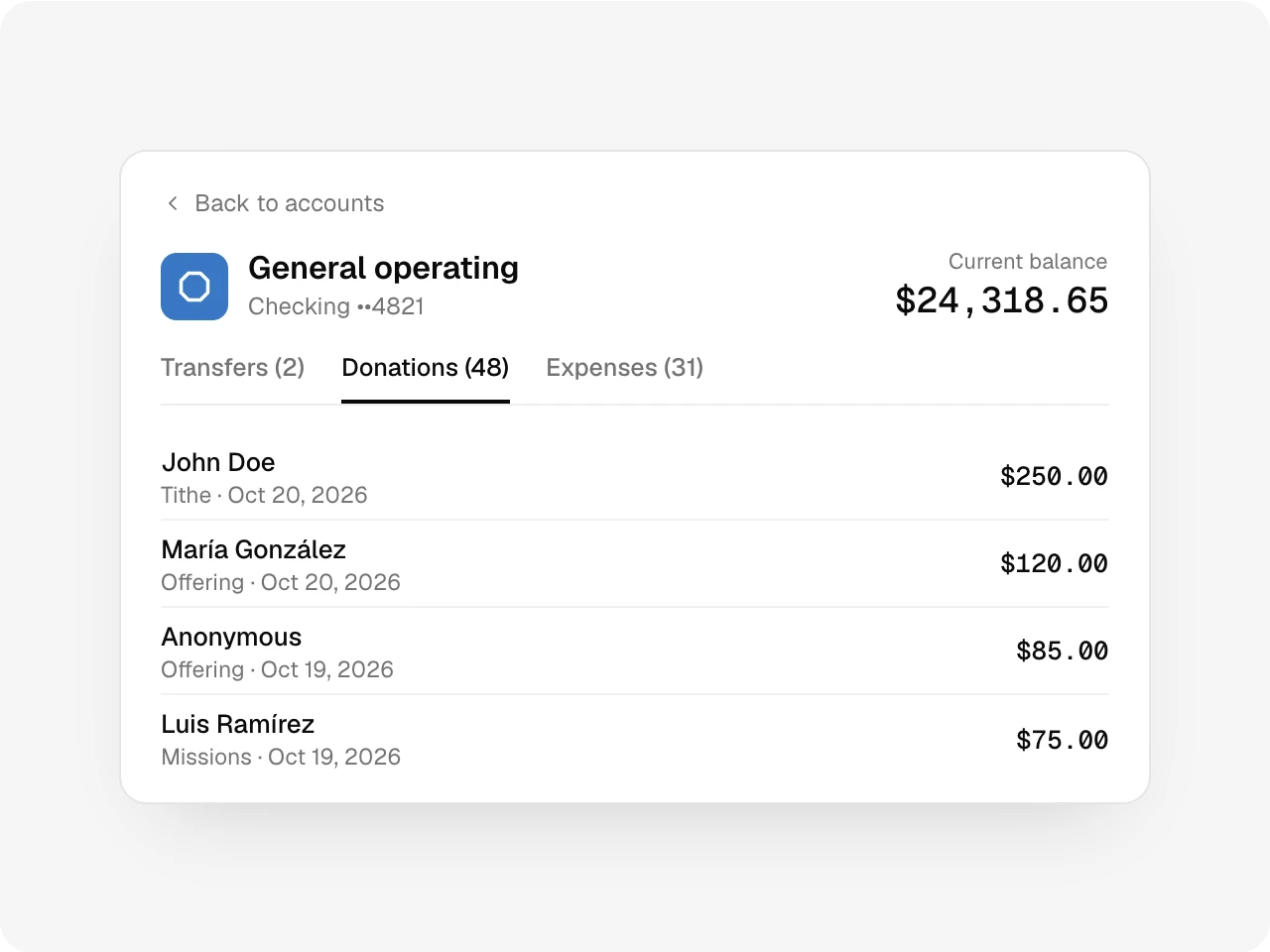
Open an account to see the donations, expenses and transfers booked to it. The same records your reports read, filtered to one place.
Sync
Balances that keep themselves current.
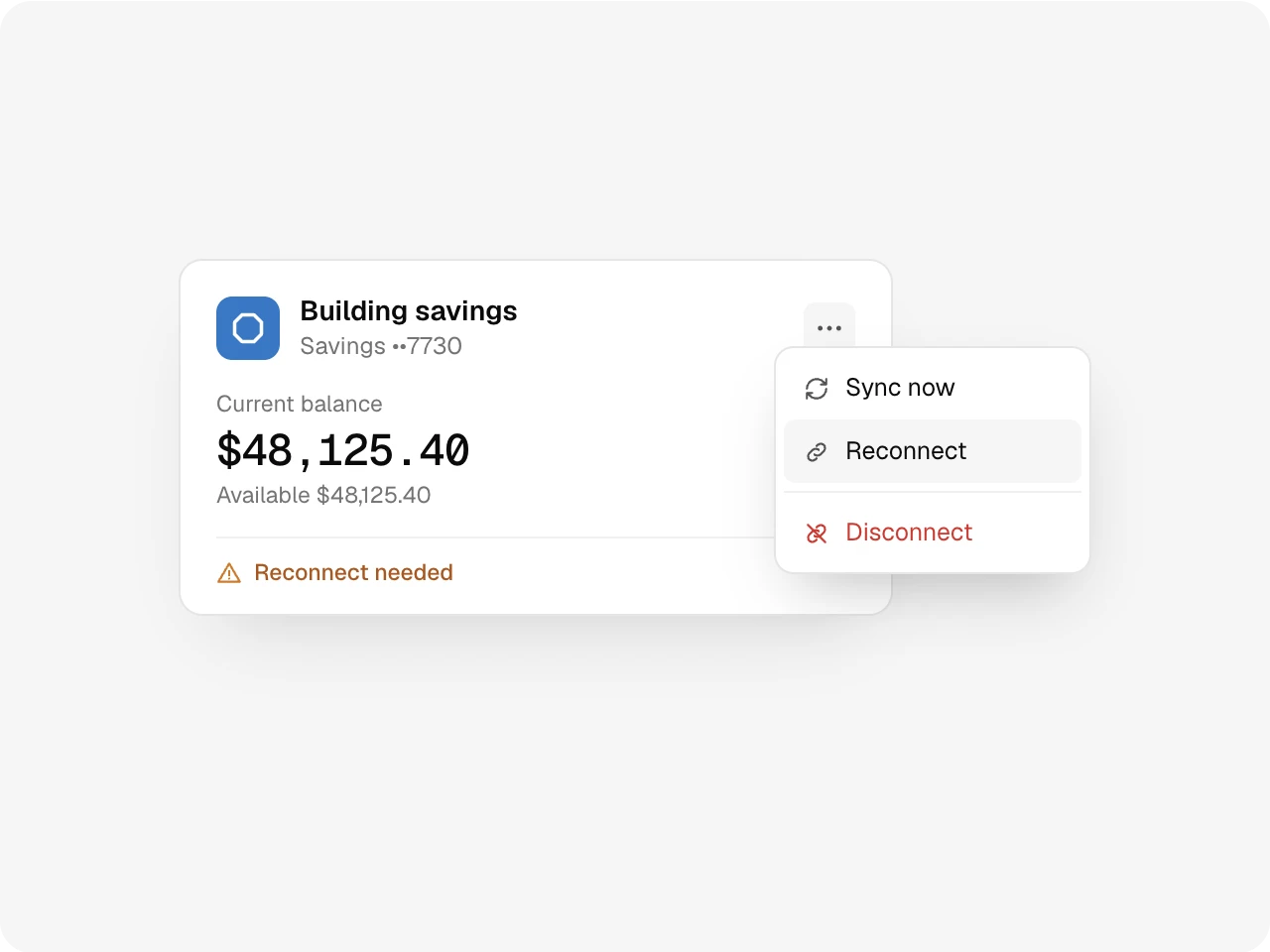
Connected banks sync on their own through the day. If a bank asks you to sign in again, the card says so and Reconnect fixes it. Reconnect the same account later and its history comes back.
Trend
Watch one account or all of them.
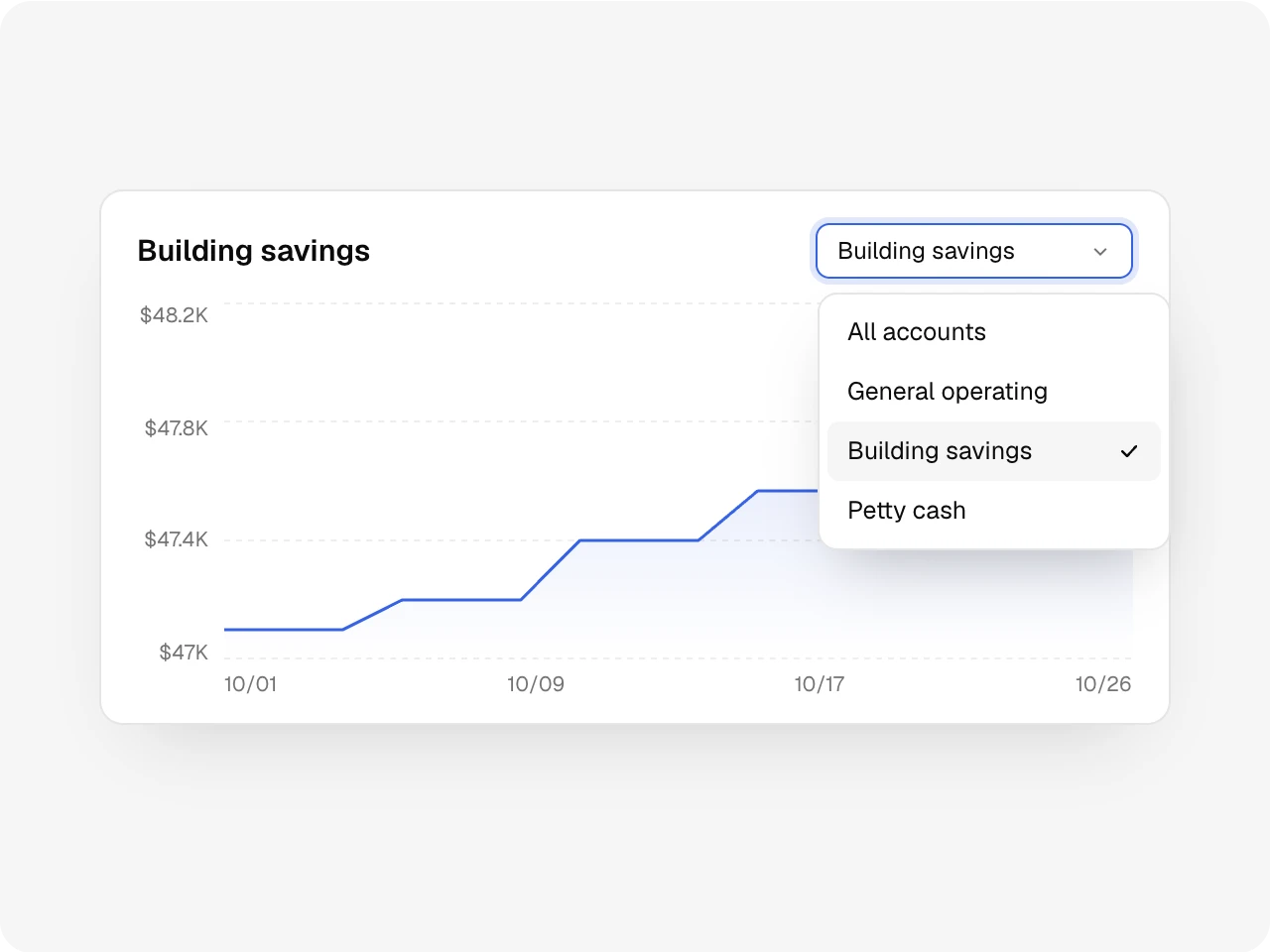
Total funds charts the sum of your accounts day by day. Pick one account to see its line alone. The history starts the day you connect.
Also included
Checking, savings, cash and other account types, a 30-day sparkline on each card, Sync all for every bank at once, and accounts that pause with their history when your plan changes.
One ledger
Works with the rest of Altarflow.
- Transactions
Transactions
Each connected bank feeds its deposits and charges to Transactions for review.
- Expenses
Expenses
Pay a bill from petty cash and the cash box balance follows.
- Reports
Reports
Your reports read the same donations and expenses booked to these accounts.
Plans
Accounts starts on Grow.
Seed
$0
- Opens as a preview with sample data
- No bank connection
Grow
$49.99/mo
- 1 connected bank account
- 2 on-demand balance refreshes a day
Bloom
$99.99/mo
- Connect as many bank accounts as you need
- 10 on-demand balance refreshes a day
Manual accounts don’t count toward the bank limit. Balances still update on their own between refreshes.
What does Altarflow Accounts show?
Altarflow Accounts shows every church bank account and cash box on one page, with current and available balances. Connected US bank accounts sync on their own at least once a day. Petty cash and unconnected banks get a balance computed from the gifts, expenses and transfers you assign to them. A chart tracks total funds from the day you connect.
Which banks can I connect?
US bank accounts, through a sign-in to your own bank. Grow connects one account. Bloom connects as many as you need.
How current are the balances?
Each card shows when it last synced. Balances update on their own at least once a day. Sync now refreshes on demand, twice a day on Grow and ten times on Bloom.
Can I see balances from before I connected?
No. The trend starts the day you connect and builds from there. Transactions from earlier in the year still import.
What happens to an account if we downgrade?
You choose which banks stay connected. The others pause, keep their history and come back when you upgrade. Nothing is deleted.
Know where the money stands.
Setup takes one sitting. Hablamos español.