Receipts — church receipt scanning: Receipts that find
their charge.
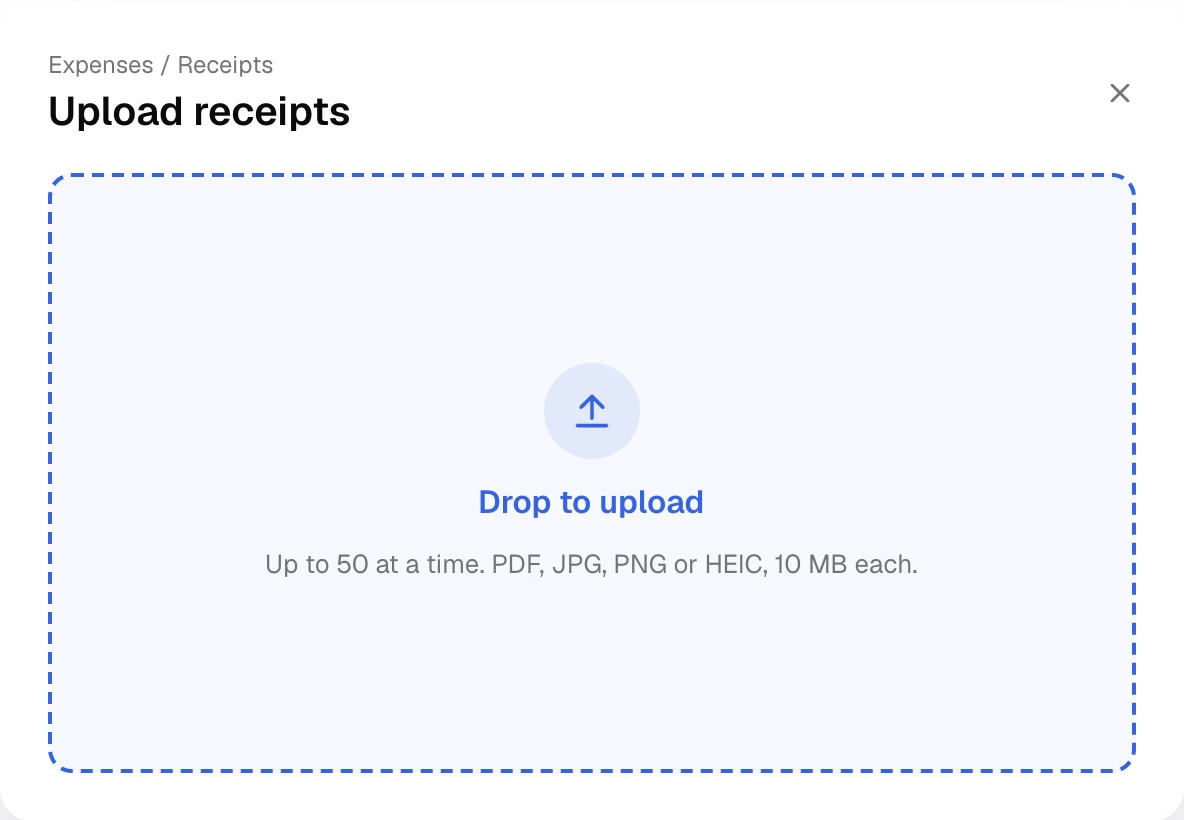
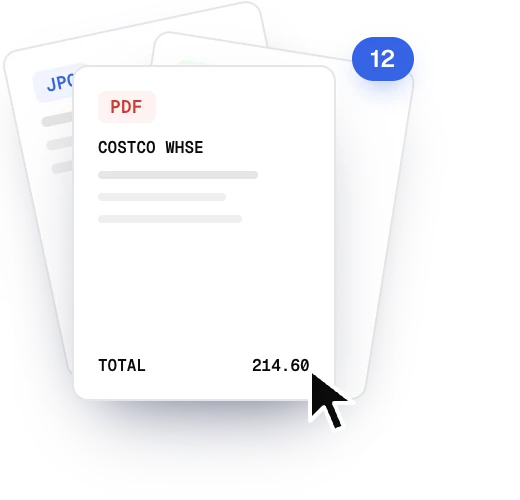
Forward a receipt or upload fifty at once. Altarflow reads the store, date and total, then finds the charge it belongs to.
Before and after
Stop chasing paper.
| The old way | With Altarflow |
|---|---|
| 01The old way: Receipts in a shoebox until month end | With Altarflow: Forward each one to your church’s receipts address |
| 02The old way: Matching receipts to the statement by hand | With Altarflow: Each receipt is paired with its charge, with the reasons shown |
| 03The old way: Typing in the store, date and total | With Altarflow: Altarflow reads the store, date and total for you |
| 04The old way: Asking around for who still owes a receipt | With Altarflow: Missing receipt lists every expense with nothing attached |
One address for every receipt.
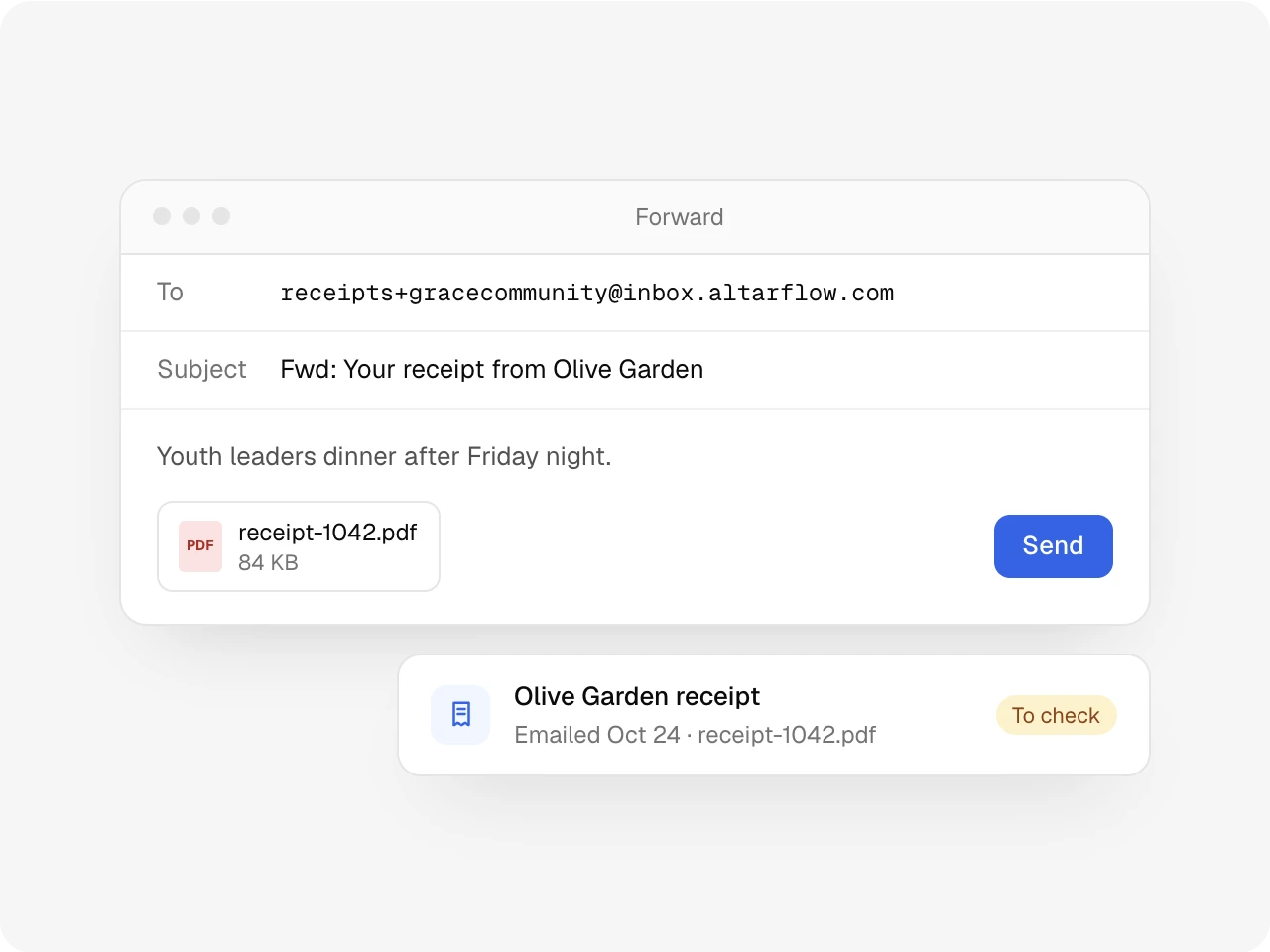
Your church gets its own receipts address. Forward the store’s email, or attach a PDF or a photo. Altarflow reads it and looks for the charge.
Upload
The whole shoebox in one drop.
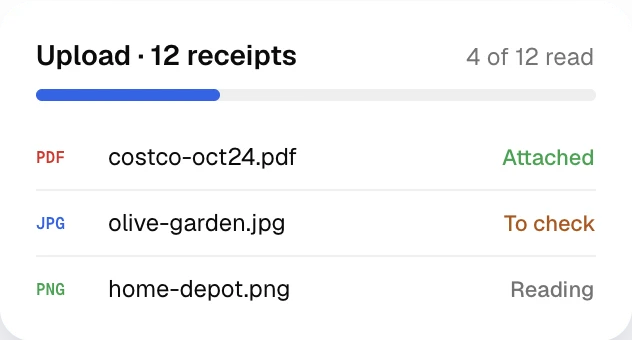
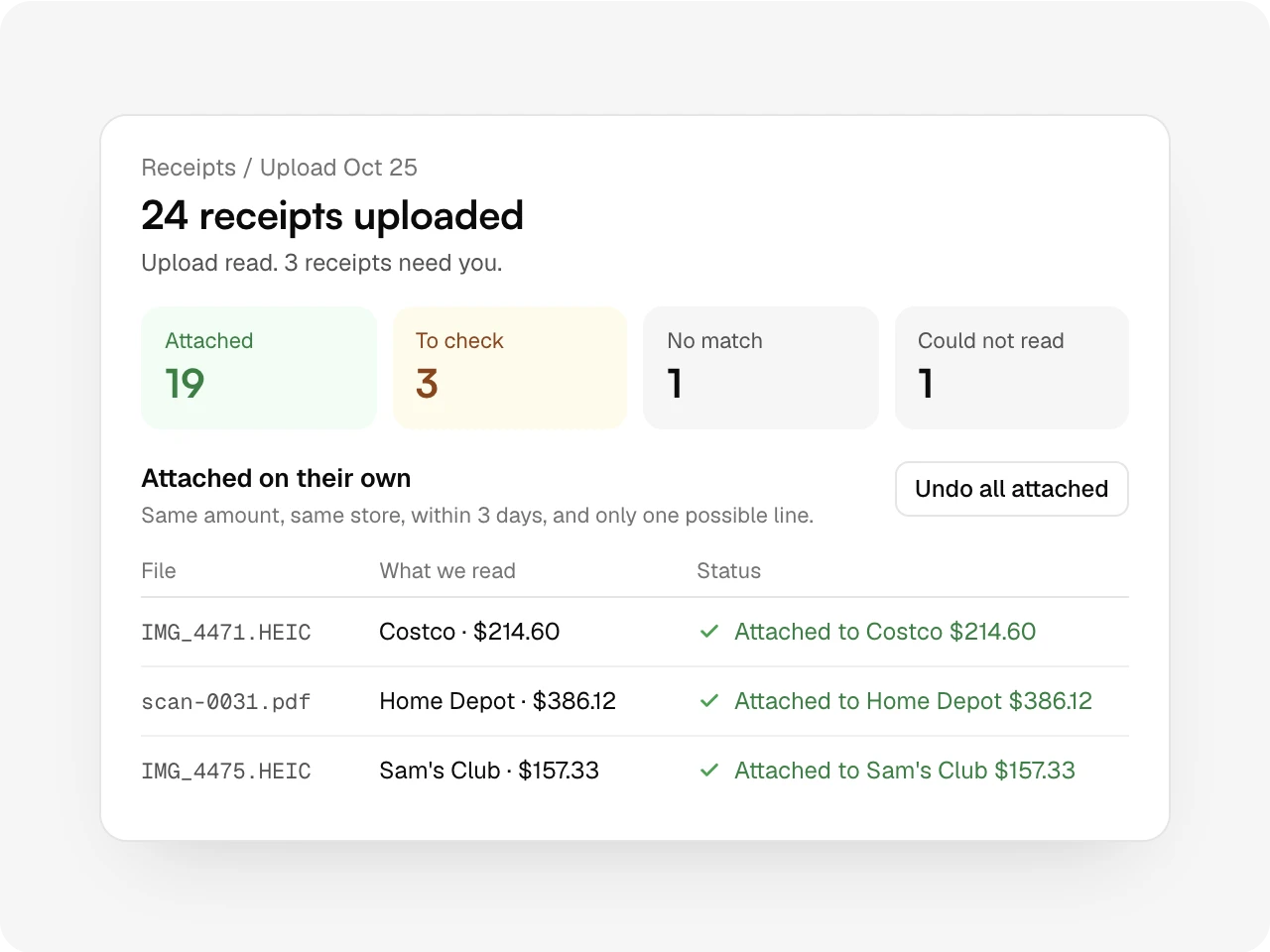
Upload up to 50 files at a time, as PDF, JPG, PNG or HEIC photos from a phone. Each one is read and sorted into attached, to check or no match. One button undoes every automatic attach.
Matching
Sure, it attaches. Unsure, it asks.
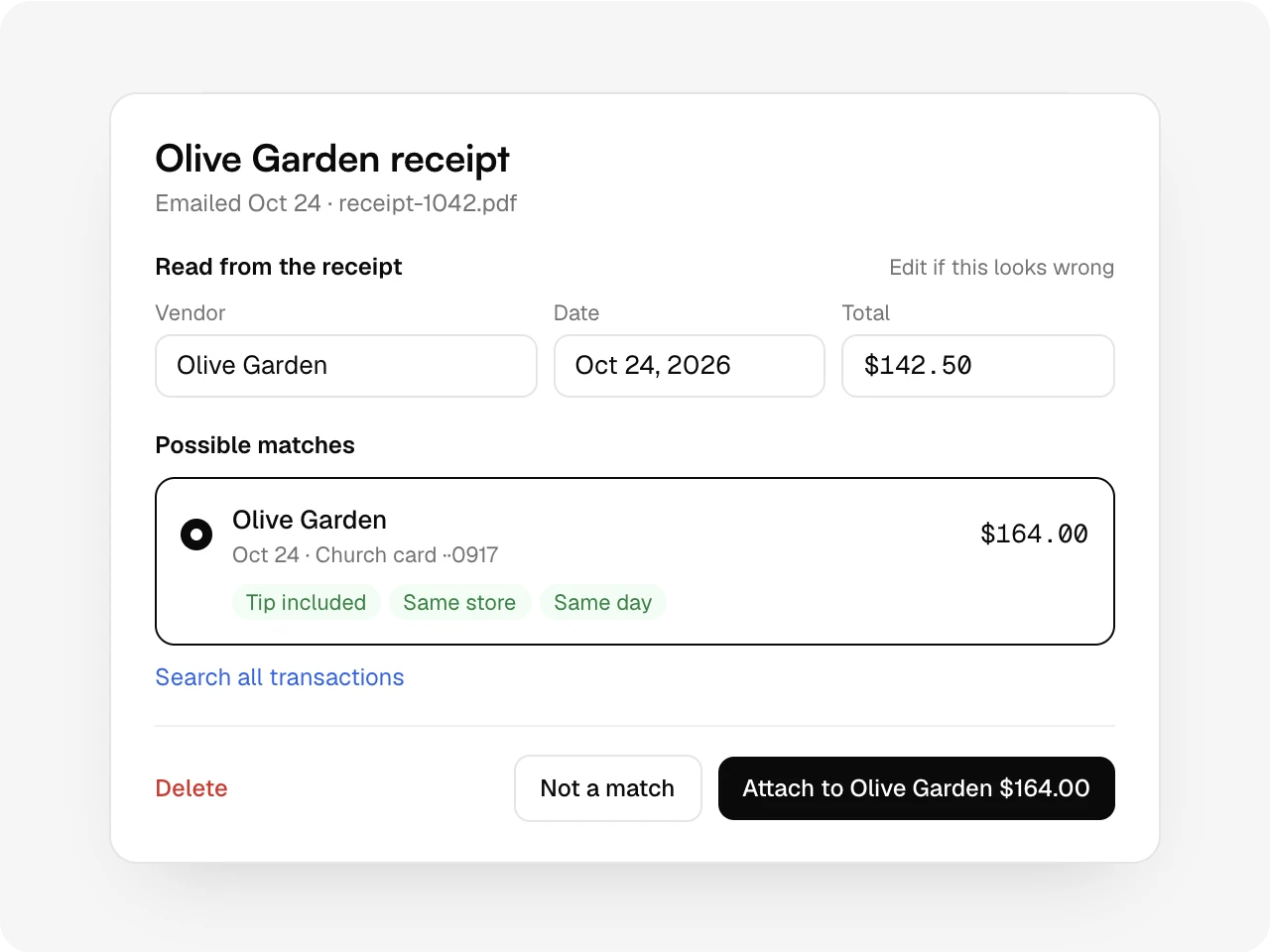
A receipt attaches on its own only when one charge has the same amount and store within three days. A tip, a different store name or two charges for the same amount go to To check, with the reasons shown.
No match
Paid in cash? Book it in one step.
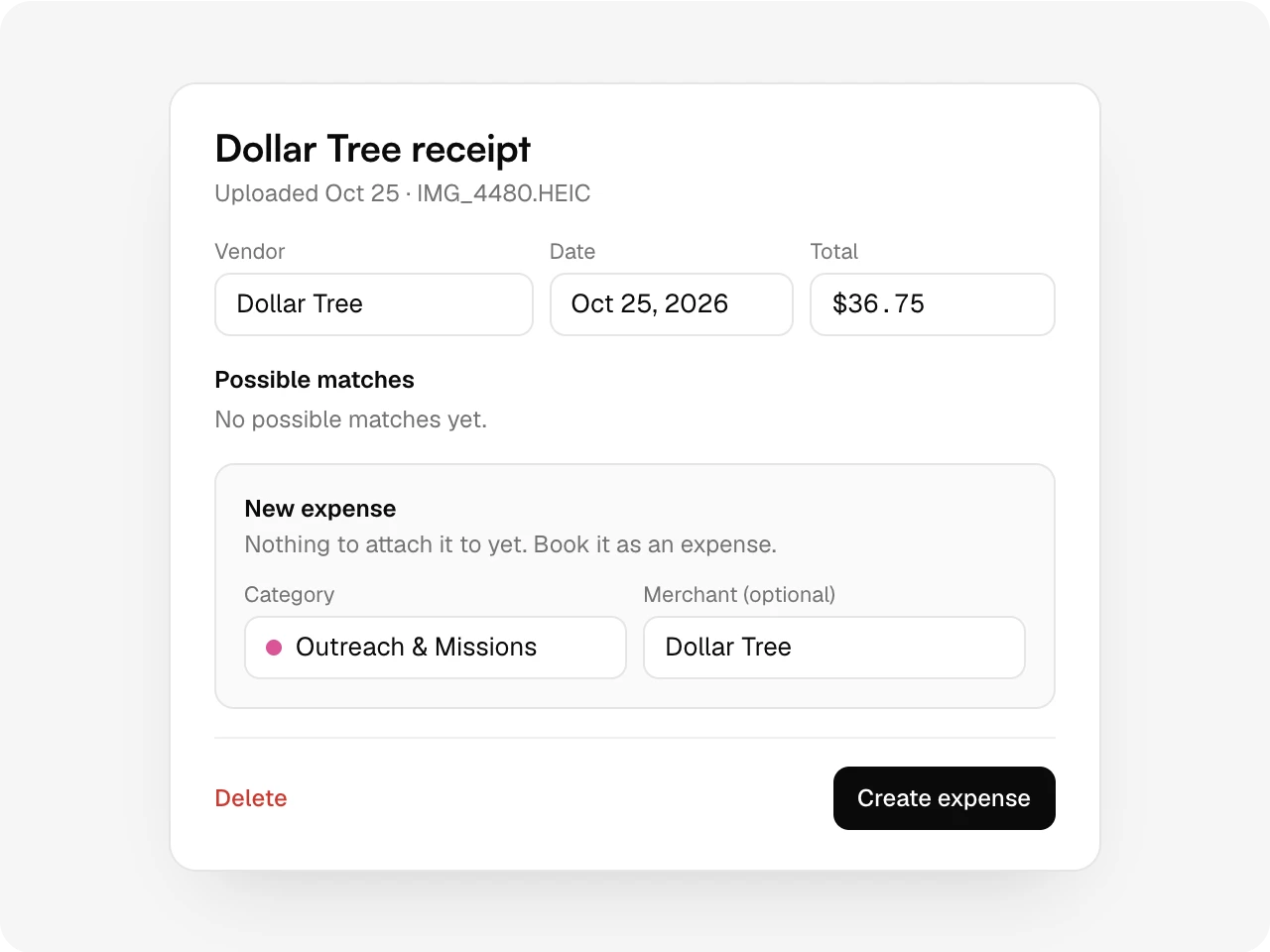
A receipt with no charge waits in No match with the reason. It is checked again after each bank sync and every night. If it was cash, pick a category and create the expense from it.
Missing receipt
Who owes a receipt, at a glance.
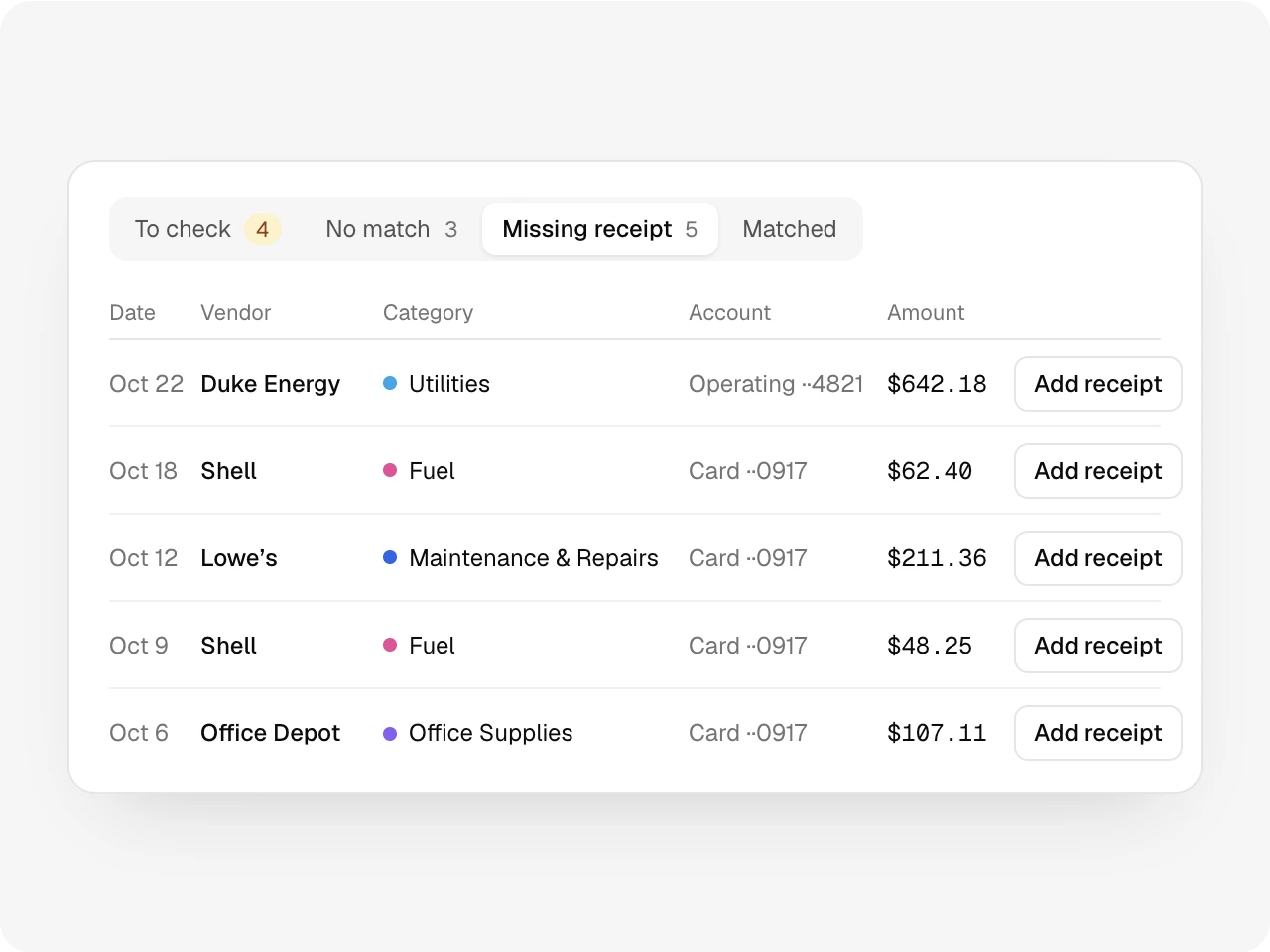
Missing receipt lists every expense with nothing attached. Add the file right there, or forward it to the receipts address and let the matcher find its charge.
Also included
Undo on any automatic attach, Not a match to send a receipt back, Save and match again after you fix what was read, a search across all transactions, Delete for a wrong upload, and a Not read yet tab for receipts waiting on next month’s reads.
One record
Works with the rest of Altarflow.
- Expenses
Expenses
Every attached receipt shows on its expense, with how it got there.
- Transactions
Transactions
Receipts match bank lines before they are booked, so they arrive together.
- Approvals
Approvals
Whoever approves sees the receipt next to each waiting expense.
Plans
Receipts are on Grow and Bloom.
Seed
$0
- Opens as a preview
- Upgrade to read receipts
Grow
$49.99/mo
- Everything on this page
- 1,000 receipt reads a month
Bloom
$99.99/mo
- Everything on this page
- No cap on receipt reads
Email, upload and New Expense scans share one count per calendar month. At the limit, new receipts are saved and read when the month resets.
What is Altarflow Receipts?
Altarflow Receipts reads church receipts and matches each one to its bank charge. Forward a receipt to the church's receipts address or upload up to 50 files at once, and Altarflow reads the store, date and total. A receipt attaches on its own only when one charge has the same amount and store within three days.
What counts as a receipt read?
Each receipt Altarflow reads counts, whether it came by email, upload or a New Expense scan. Grow includes 1,000 a month. Bloom has no cap.
What happens when we reach the limit?
New receipts are still saved. They wait under Not read yet and are read when your reads reset next month.
Can a receipt attach to the wrong charge?
It attaches on its own only when one charge has the same amount and store within three days. Anything less sure waits for you in To check. Undo sends an attached receipt back to No match.
Which files work?
Upload takes PDF, JPG, PNG and HEIC, up to 50 files of 10 MB each. Email takes PDF, JPG, PNG, GIF and WebP attachments.
Receipts that find
their charge.
Setup takes one sitting. Hablamos español.